Automatic Media Test
Test notes
Section titled “Test notes”This page contains ordinary Markdown notes.
The jurisdiction label should appear above these notes.
The diagram viewer and video should appear below these notes automatically. No component imports or component tags are needed in this page.
Diagrams
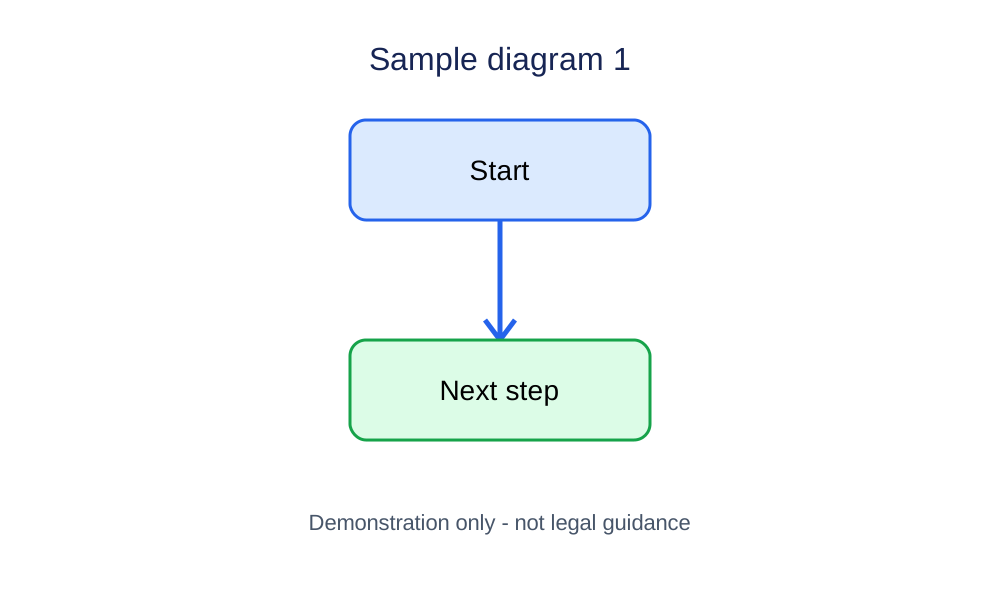
Drag to pan. Pinch to zoom on a touch screen. Hold Ctrl or Cmd while scrolling to zoom. Click the diagram area before using keyboard controls: arrow keys switch diagrams, + and − zoom, and 0 resets. Press Esc to leave full screen.
Text descriptions
Sample diagram
A downward arrow connects a box labelled Start to a box labelled Next step. This is a demonstration image, not legal guidance.